SuperBeam | WiFi Direct Share PC
LiveQoS
گیم لوپ ایمولیٹر کے ساتھ PC پر SuperBeam | WiFi Direct Share ڈاؤن لوڈ کریں۔
پی سی پر SuperBeam | WiFi Direct Share
SuperBeam | WiFi Direct Share، جو ڈویلپر LiveQoS سے آرہا ہے، ماضی میں اینڈرائیڈ سسٹم پر چل رہا ہے۔
اب، آپ پی سی پر SuperBeam | WiFi Direct Share آسانی سے GameLoop کے ساتھ چلا سکتے ہیں۔
اسے GameLoop لائبریری یا تلاش کے نتائج میں ڈاؤن لوڈ کریں۔ مزید غلط وقت پر بیٹری یا مایوس کن کالوں پر نظر نہیں ڈالی جائے گی۔
بس بڑی سکرین پر SuperBeam | WiFi Direct Share PC کا مفت میں لطف اٹھائیں!
SuperBeam | WiFi Direct Share تعارف
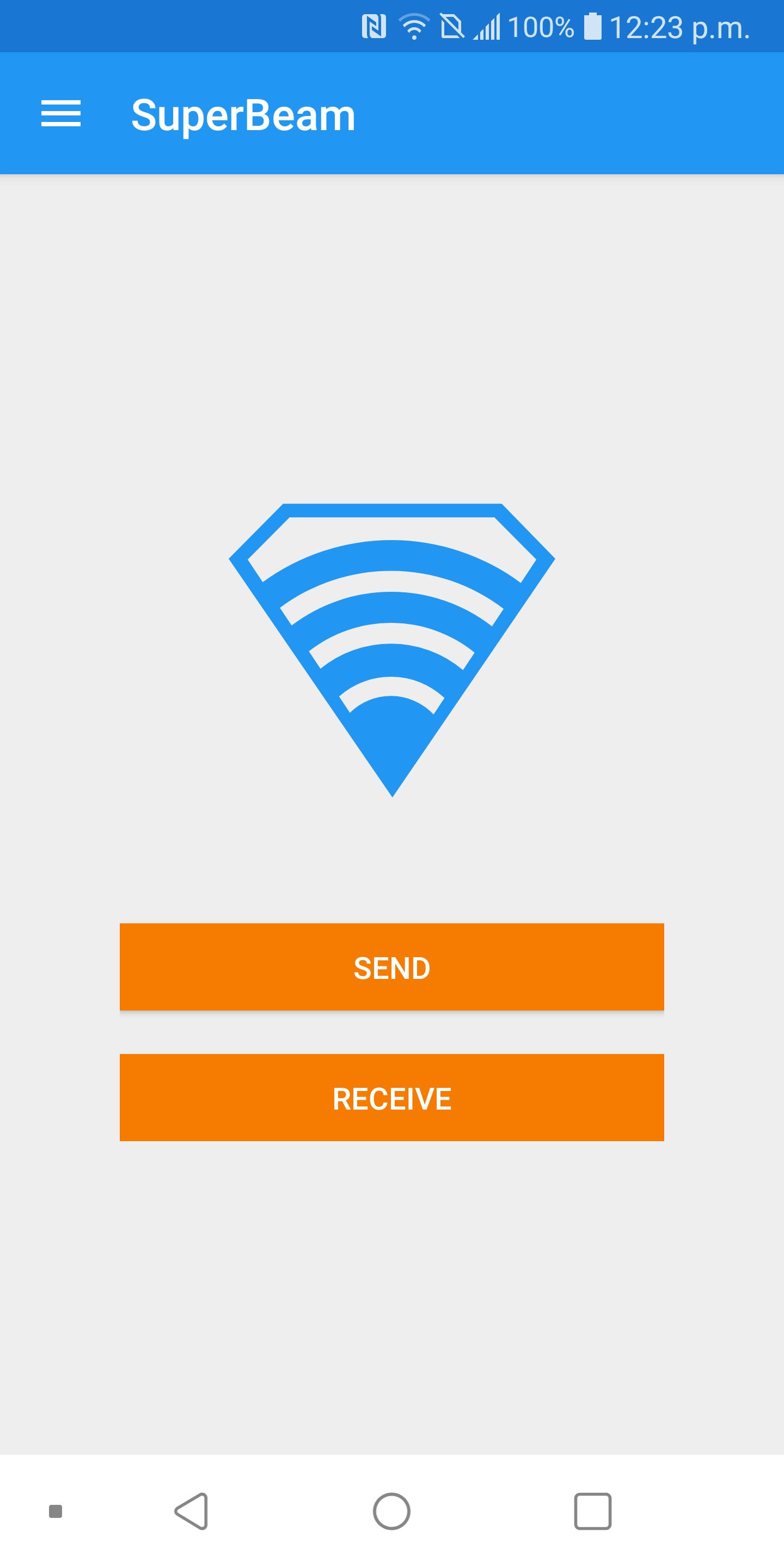
SuperBeam 5.0 is the easiest, fastest and most secure way to share large files between your devices using WiFi direct. Devices can be paired using QR codes (with the included QR code scanner) , NFC or manual sharing key.
No more clicks and manual approvals for connections. SuperBeam makes file sharing as convenient and fast as it should have been, because it is 2020 already!
Features:
• Blazing fast transfer speeds using WiFi direct.
• Pair devices using NFC or QR code scanning.
• Sharing with devices that do not have SuperBeam through web interface.
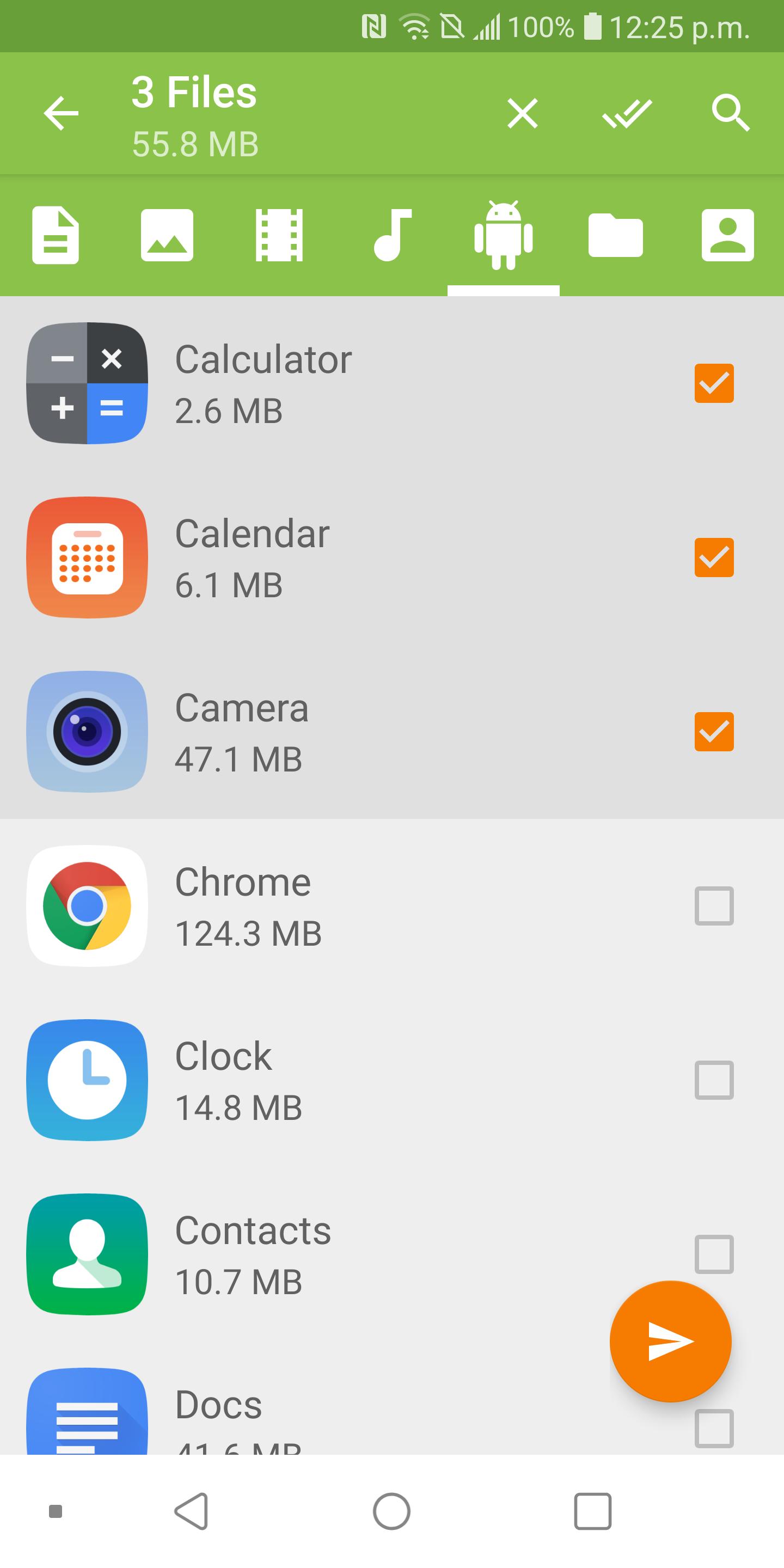
• Share single or multiple files of any type (photos, videos, zip files, APK's, contacts... You name it!).
• Keep history of all transfer operations.
• Modern Material Design user interface, with simplified send/receive screens (which can be merged under user interface settings).
• Light, dark and AMOLED color themes.
All received files are stored under "/sdcard/SuperBeam" directory by default, this can be changed in settings (PRO). Don't worry about duplicate files, SuperBeam will automatically add unique numbers to duplicate file names.
SuperBeam Switches to hotspot mode automatically for devices that don't support WiFi direct. Also, it can use existing WiFi network connection between devices in case WiFi direct fails.
Get more, upgrade to PRO
Upgrade to SuperBeam PRO and get much more awesome features:
• No more ads.
• Super easy sharing with your computer using SuperBeam app for PC (compatible with Windows, Linux and Mac)
• Change default save location to any available storage.
• Send entire folders and preserve their structure.
• Share unlimited number of files on web interface, with the ability to download complete structured zip.
• Unlimited history records.
• And much more!
PRO Version Unlocker Link
https://play.google.com/store/apps/details?id=com.majedev.superbeampro
What others are saying
★ "A great file transfer tool for power users" - Android Central
★ "Full-featured and well-written app" - CNET Asia
★ "This app is simple to use, convenient, and most importantly it works!" - XDA Developers
★ "A simple concept: share files of any size via NFC verification" - AndroidPolice.com
★ "A Dream!" - mobiFlip.de
★ "Tap and share files for real!" - YourTechReport.com
★ "Makes sharing files between devices quicker and easier" - NFCWorld.com
★ "The transfer happens lightning fast" - Tested.com
★ One of "10 new Android apps worth checking" - AndroidAndMe.com
Support:
Twitter: @SuperBeamApp
Email: support@superbe.am
XDA support thread: http://forum.xda-developers.com/showthread.php?t=2177133
About permissions:
• To manage WiFi Direct connection: ACCESS_NETWORK_STATE, CHANGE_NETWORK_STATE, ACCESS_WIFI_STATE & CHANGE_WIFI_STATE.
• To receive using QR scanner or Near Field Communication: CAMERA & NFC.
This app uses zxing library for QR code encoding and decoding (https://code.google.com/p/zxing/)
پیش نظارہ
ٹیگز
مواصلاتمعلومات
ڈویلپر
LiveQoS
تازہ ترین ورژن
5.0.8
آخری تازہ کاری
2020-02-21
قسم
مواصلات
پر دستیاب ہے۔
Google Play
مزید دکھائیں
پی سی پر گیم لوپ کے ساتھ SuperBeam | WiFi Direct Share کیسے کھیلا جائے۔
1. آفیشل ویب سائٹ سے گیم لوپ ڈاؤن لوڈ کریں، پھر گیم لوپ انسٹال کرنے کے لیے exe فائل چلائیں۔
2. گیم لوپ کھولیں اور "SuperBeam | WiFi Direct Share" تلاش کریں، تلاش کے نتائج میں SuperBeam | WiFi Direct Share تلاش کریں اور "انسٹال کریں" پر کلک کریں۔
3. گیم لوپ پر SuperBeam | WiFi Direct Share کھیلنے کا لطف اٹھائیں۔
Minimum requirements
OS
Windows 8.1 64-bit or Windows 10 64-bit
GPU
GTX 1050
CPU
i3-8300
Memory
8GB RAM
Storage
1GB available space
Recommended requirements
OS
Windows 8.1 64-bit or Windows 10 64-bit
GPU
GTX 1050
CPU
i3-9320
Memory
16GB RAM
Storage
1GB available space